Pass templates — define once, sell in seconds
A template is a ready-made pass blueprint — define it once, then sell in a few clicks, with no mistakes.
What a pass template is
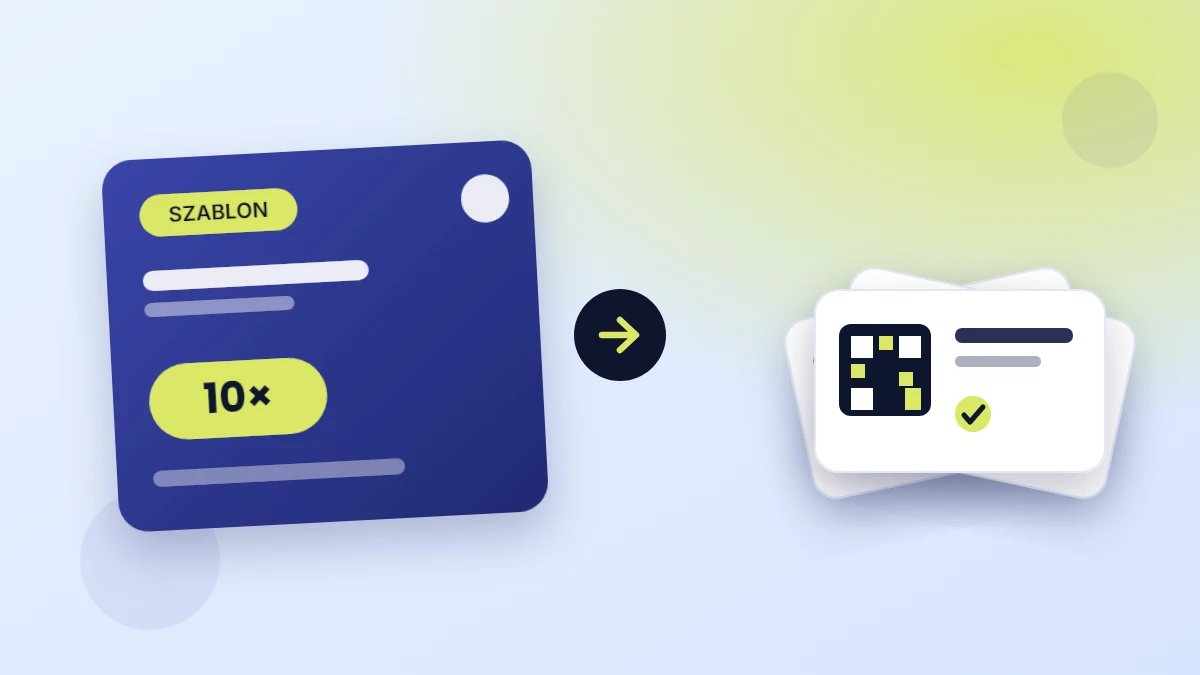
A template is a ready-made blueprint for a pass. You define everything once: the number of entries or the validity period, the price, and the look of the card — color, gradient, background photo, and your venue's logo. From then on, every pass issued from that template looks and works the same.
Think of it like a stamp: you design it once, then press it in seconds — as many times as you like.
Define once, sell many times
Without templates, every sale is a little setup — how many entries, for how long, at what price. At the desk that drags on, and mistakes slip in.
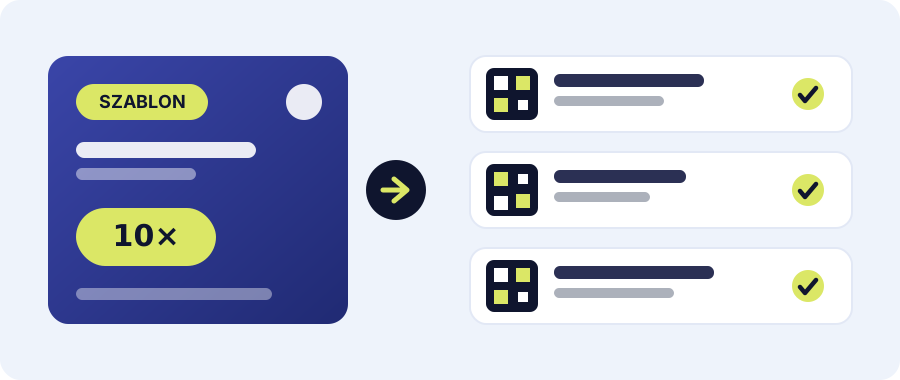
With a template, a sale looks different:
- Pick a template, e.g. "10× pack".
- Assign a client — or issue an unassigned pass.
- Done. The client gets a card with a QR code in the app or as a PDF.
Three clicks instead of filling in a form every time.
Ready-made offers for every situation
The fastest thing to sell is the thing you already have on hand. Prepare a few templates for your typical cases and just pick the right one at the point of sale:
- A trial pass of 1–3 entries for new clients.
- A standard 10× pack for regulars.
- A seasonal or time-based pass for longer commitments.
When a client hesitates, you have a ready answer for every need — and it's easier to suggest a bigger package along the way.
Tip: name your templates the way you talk about them with clients ("10× pack", "Monthly pass"). Picking one at the point of sale becomes instant.
Consistent price and look = fewer mistakes
Since the price and settings live in the template, nobody types them by hand during a sale. No typos in the price, no "wait, how many entries was it?". Every pass looks professional and identical — with your logo and colors.
It also means anyone on your team can sell, not just the owner. The front desk picks a template and issues the pass — no phone calls with questions.
From picking a template to a pass in the client's pocket
The whole flow — from tapping a template to a pass ready to scan — takes moments. The client gets a QR code on their phone right away, and you keep full control over its usage.
The Starter plan includes up to 20 templates for free — plenty to cover all your offers. See how it works in the app or check the help center.