
Appointments in ProsteKarnety — schedule clients and run your calendar in the same app
Plan client visits, repeat them weekly and check off pass entries — all in one app.
Why a calendar inside your pass app
Personal training at 5 pm, swimming lessons on Wednesdays, a riding session on Saturday morning. The pass tells you how many entries are left — but who's coming in today at 4 pm often still lives in a paper notebook or a separate calendar that knows nothing about passes.
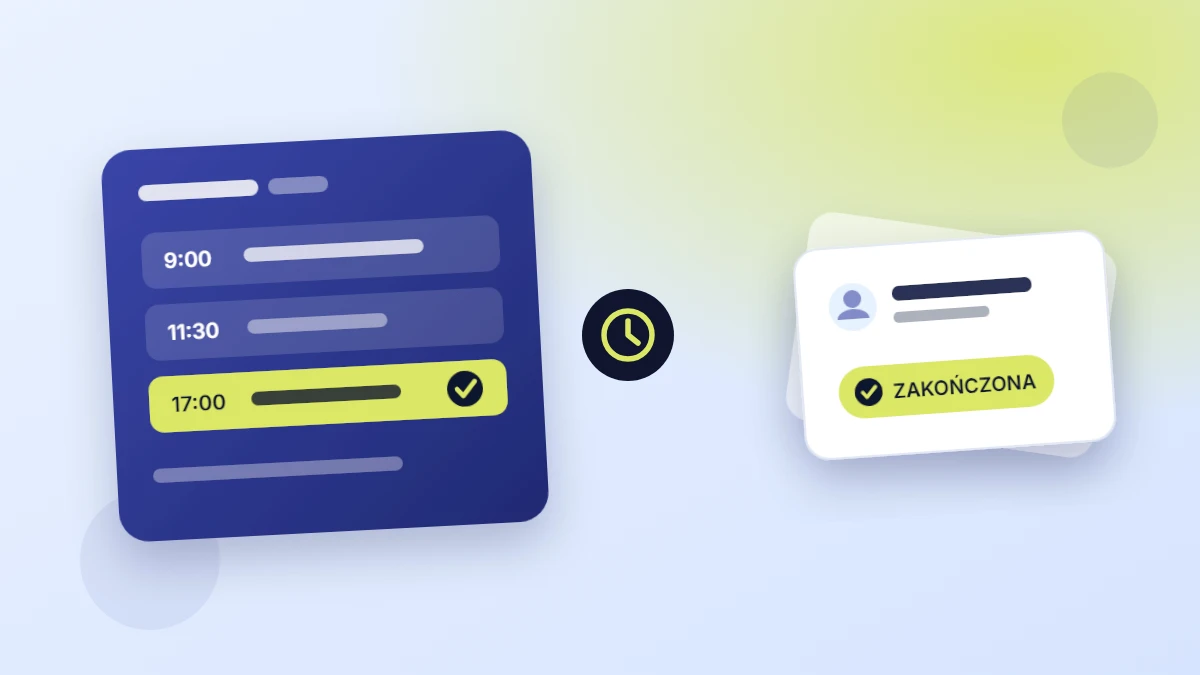
That's why ProsteKarnety now has Appointments — a schedule in a tab right next to Clients and Passes. You book a client for a specific time, and once the visit happens, you check off an entry on their pass with a single tap.
Booking takes two steps
A new appointment is a short wizard:
- Who & when — a name (e.g. "Personal training"), start time and duration, a place, clients and the assigned staff member. You can add a description and internal notes visible only to your team.
- Summary — before you save, the app shows exactly which visits will be created.
An appointment can be one-time or recurring: daily, weekly or monthly, on the weekdays you pick, ending after a set number of visits or on a chosen date. A regular who comes every Wednesday at 6 pm? One action creates the whole series.
And since plans change — when editing or cancelling you choose the scope: just this visit, this and following, or the whole series.
Tip: name appointments the way you talk about them with clients ("Personal training", "Swim lesson"). Your schedule then reads like a day plan, not a list of codes.
Your working day in one view
The Appointments tab is an agenda grouped by day: Today, Tomorrow, Week or All. You filter by status and by staff member — the owner sees the whole team's schedule, an employee runs their own. Privacy is the default: details of other people's appointments stay hidden; they show up only as "Busy", with no names or notes.
Visit done = entry checked off
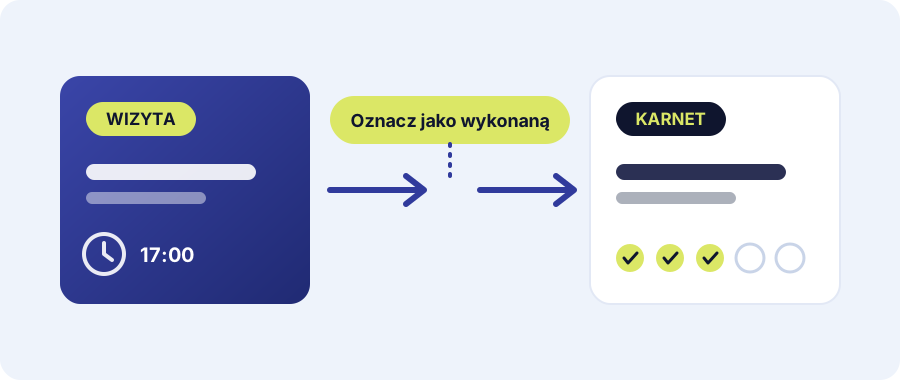
This is where Appointments meet passes. After a finished visit you tap Mark done and pick the passes to record a usage on — one on each selected pass. No scanning, no searching for the client on a list. Everything stays in the appointment's history, including a "Pass usage recorded" entry.
Your client always knows what's next
Clients see their appointments in the My appointments view — upcoming and past, across every organization they belong to. They get an in-app notification when a visit is booked, rescheduled or cancelled.
And if your venue lives in Google Calendar — connect it once, and your appointments will appear and update there automatically.
You'll find Appointments in the latest version of the app, next to Clients and Passes. Get the app or head to the help guide where the schedule is described step by step.